
Canvas - Quizzes
How to take quizzes in Canvas
The steps for Working on a Canvas quizzes
- Quizzes are found in the course modules or can be accessed with the Quizzes link in the course navigation menu.

- Once you select on the specific quiz to take you will link to an instruction page for that quiz with the due date, Points, number of question, time allowed and number of attempts. All of these are defined by the instructor.

- Select the "Take the Quiz" blue button at the bottom of the instruction page.
- You will see the questions on the quiz on the next page(s).
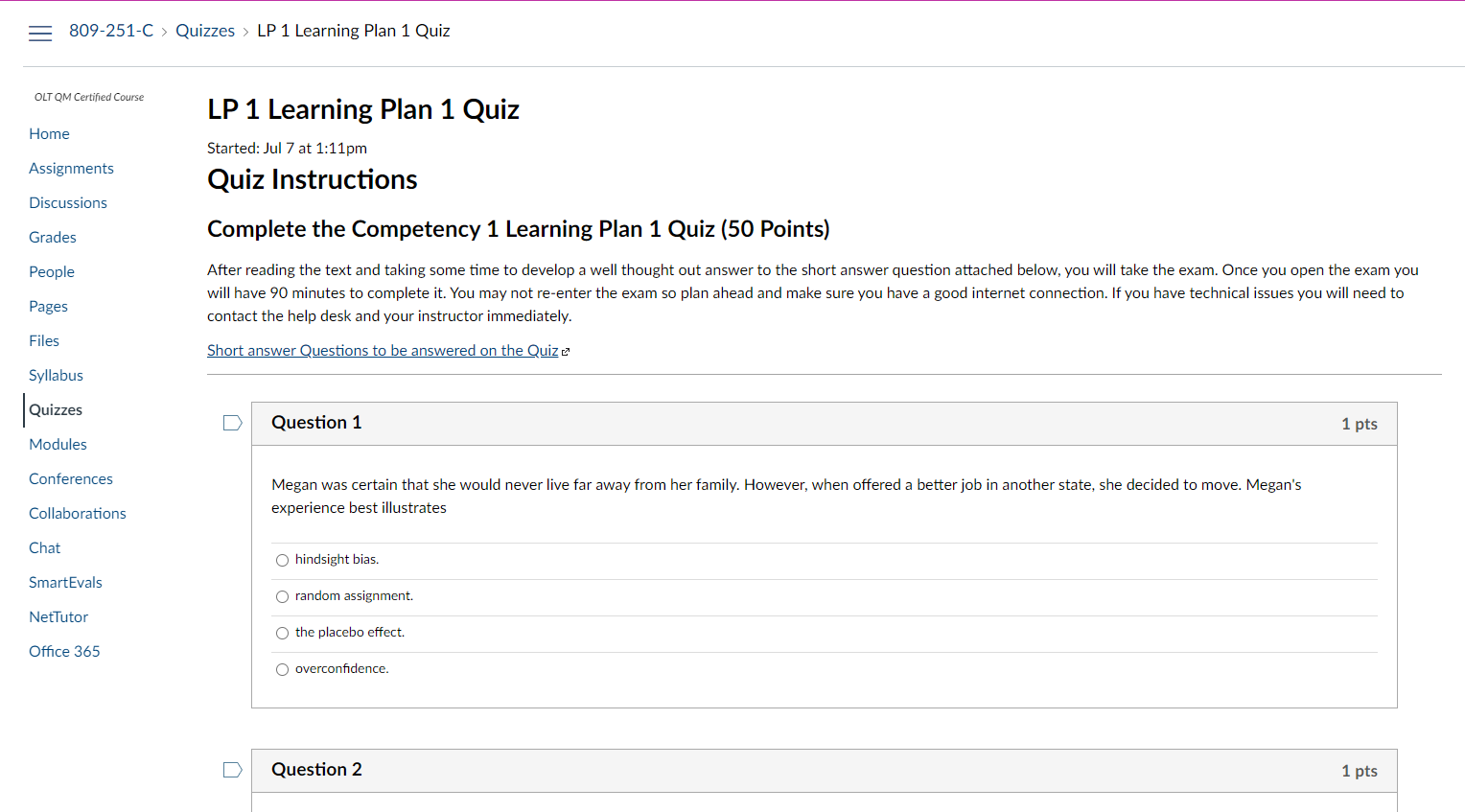
- Once you have completed the quiz you will select the "Submit Quiz" blue button, after the last question.
- If the quiz is configured for immediate feedback you will see the results of the quiz.